NEWS & RESOURCES

News & Resources

Keep up to date with the latest at Superior Office Machines as well as insightful information and valuable perspectives.

This category is designed to help offices handle common printer issues quickly and confidently. At Superior Office Machines, we focus on practical guidance that keeps workplaces in Sydney, NSW running smoothly. Whether you’re dealing with setup problems, print quality issues or unexpected downtime, these articles give you clear steps to follow before calling for service.


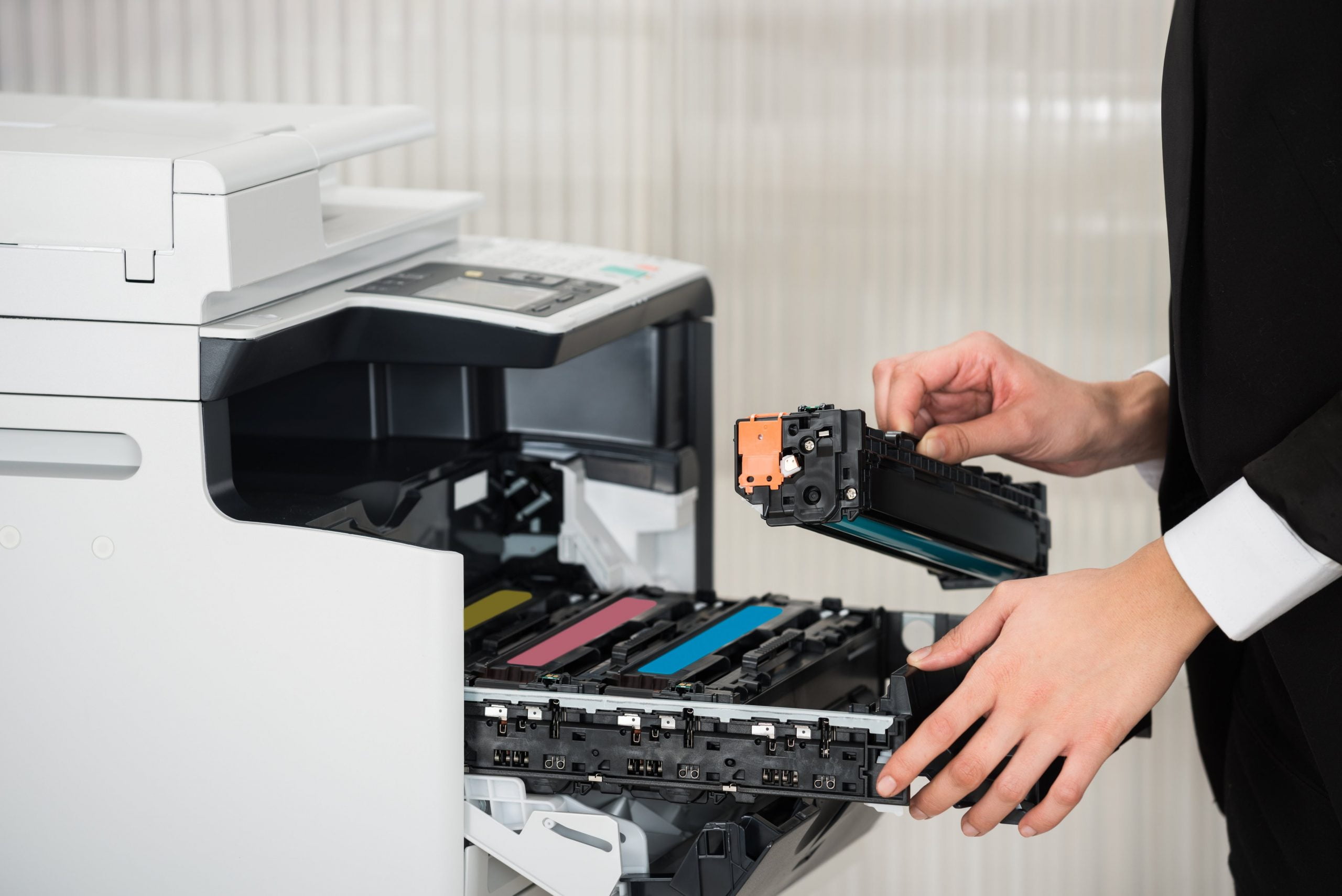
Office worker performing basic home printer troubleshooting steps.

Printer Care Basics


Many office problems start with small issues that go unnoticed. Simple habits — like cleaning rollers, updating drivers and checking network settings — can prevent bigger failures later. Our goal is to help you understand the essentials of home printer troubleshooting and give you the confidence to handle basic fixes on your own.
We also share printer installation tips to help avoid common setup mistakes. Incorrect drivers, poor Wi‑Fi configuration and tray alignment issues are some of the most frequent causes of early breakdowns. Taking a few minutes to install equipment correctly can save hours of frustration later.
When problems go beyond basic fixes, knowing what to look for helps you act quickly. Our technicians handle a wide range of printer repairs, and we use this blog to highlight early warning signs — such as grinding noises, repeated jams, slow warm‑up times and fading output. These symptoms often point to worn parts or internal buildup that needs professional attention.


Need Help


If your office printer is slowing down productivity or showing signs of failure, our team is ready to assist. Whether you’re dealing with recurring jams, fading output, network issues or unexpected error codes, we can diagnose the problem quickly and get your equipment back on track. Contact Superior Office Machines for fast, reliable service, clear communication and expert support that keeps your workplace running smoothly.


FAQ


What’s the first step when a printer won’t print?


Check power, cables, paper levels and network connection. These basics resolve a large percentage of office printing issues.

How often should printers be serviced in busy workplaces?


High‑volume environments benefit from servicing every six months to prevent wear‑related failures and extend machine life.

Can installation mistakes cause long‑term problems?


Yes. Incorrect drivers, wrong network settings and improper tray setup can lead to recurring errors and poor performance.

When should I stop troubleshooting and call a technician?


If the printer shows hardware errors, repeated jams, unusual noises or persistent quality issues, professional service is recommended.

Why does my printer take a long time to start printing?


Slow start‑up is often caused by outdated firmware, overloaded print queues or memory limitations inside the machine. Clearing the queue, restarting the device and updating firmware usually improves performance. If delays continue, the printer may need a professional inspection to check for worn components or internal buildup.
EPSON Canon TOSHIBA SAMSUNG RICOH PANASONIC OKI LEXMARK FujiXerox Slider KYOCERA KONICA MINOLTA HP SHARP Brother FujiFilm Slider
CTA

Don't Waste Time on Printer Problems. Our fast and reliable repairs minimise downtime, keeping your office running smoothly. Get a free quote today and experience the Superior difference!

Latest News

Back to top